Open a chat.
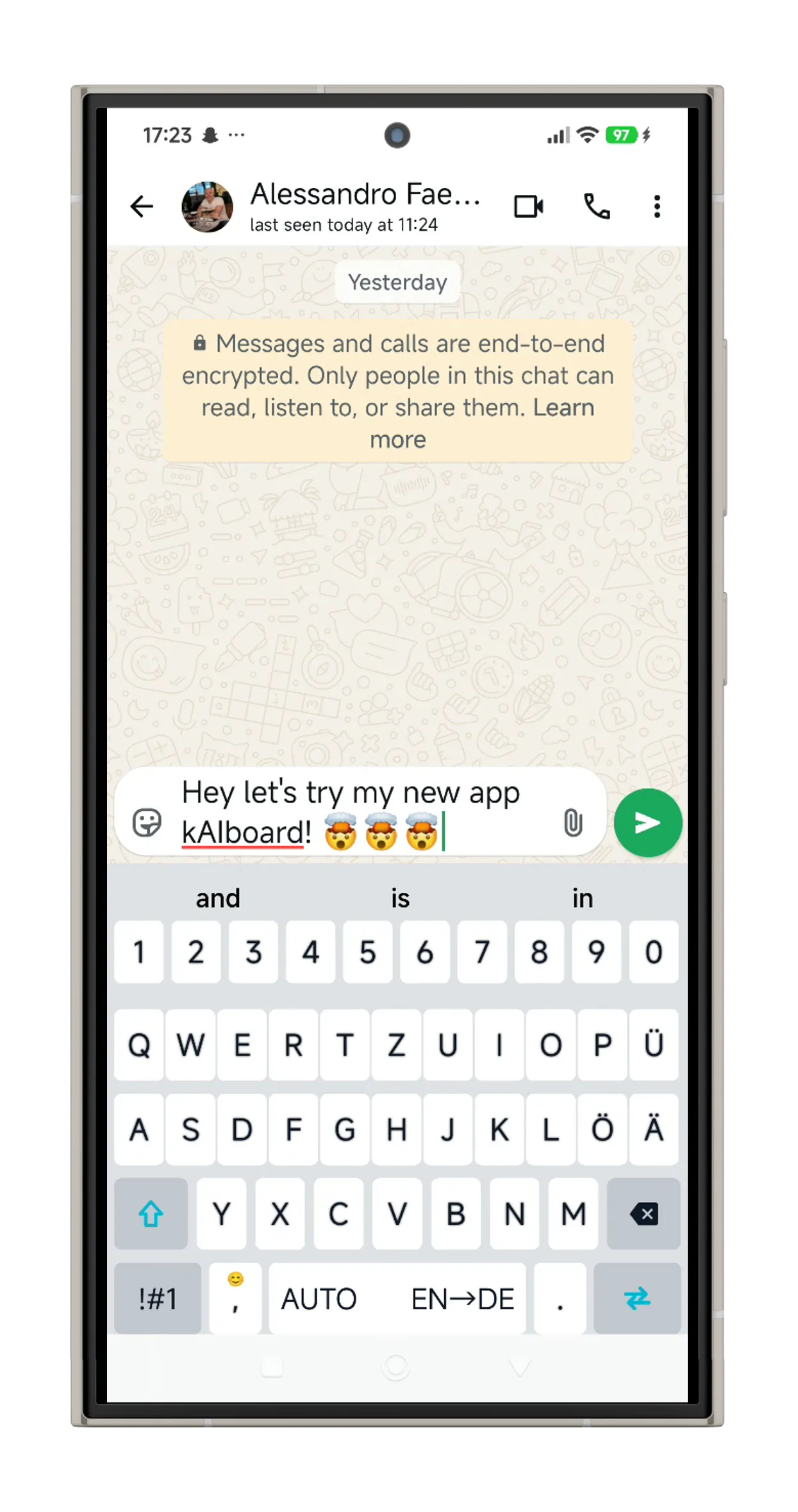
kAIboard switches language, layout and autocorrect automatically.
Built for expats and anyone who switches languages daily. If the app has a keyboard, kAIboard works with it. Your data stays on your device, unless you choose cloud AI translation.
Everything you need to
communicate across languages
Built for people who live between languages.
Contact-Aware Detection
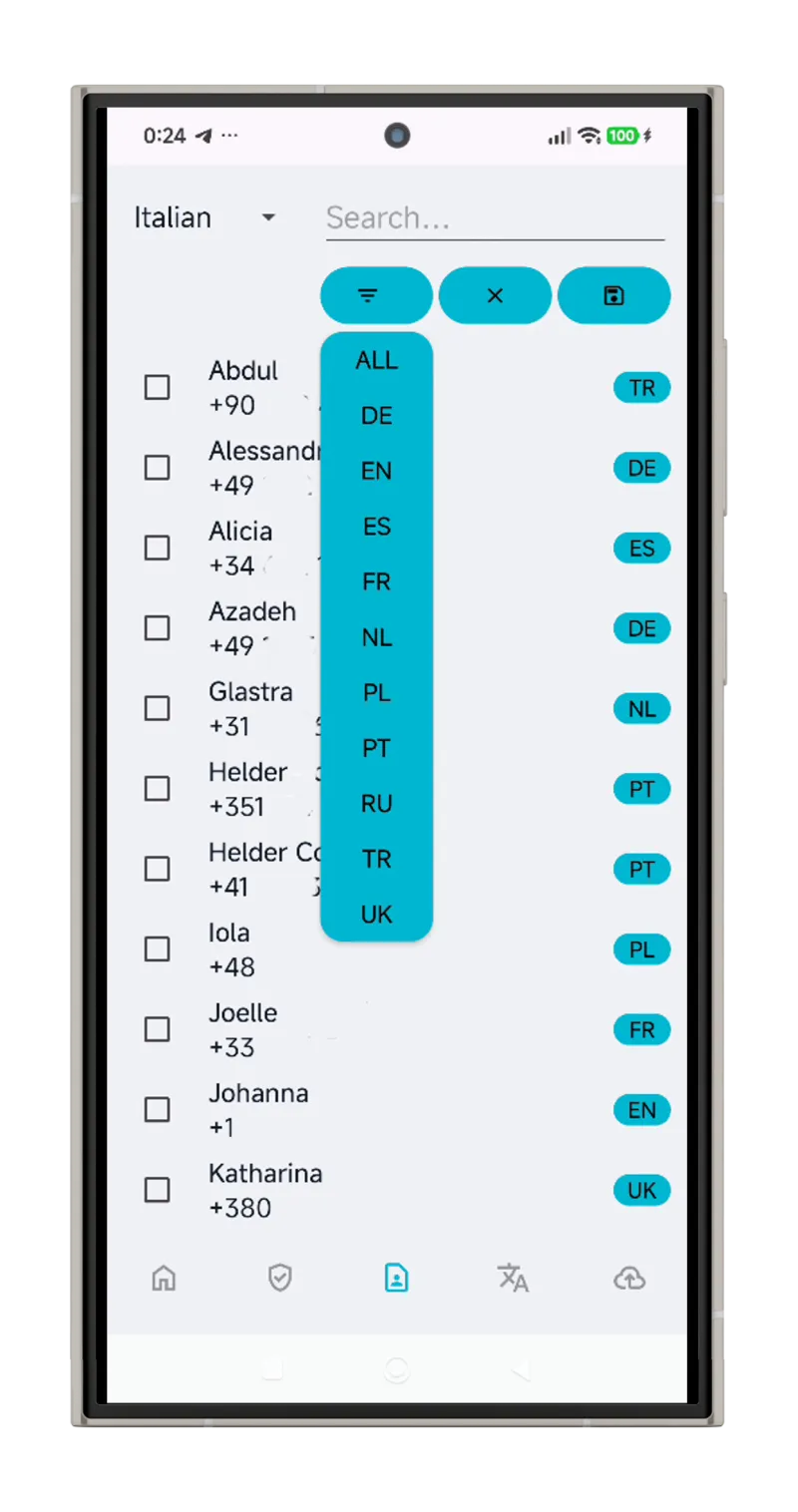
Automatically detects which language to use based on who you're texting. Smart phone-prefix recognition via libphonenumber.
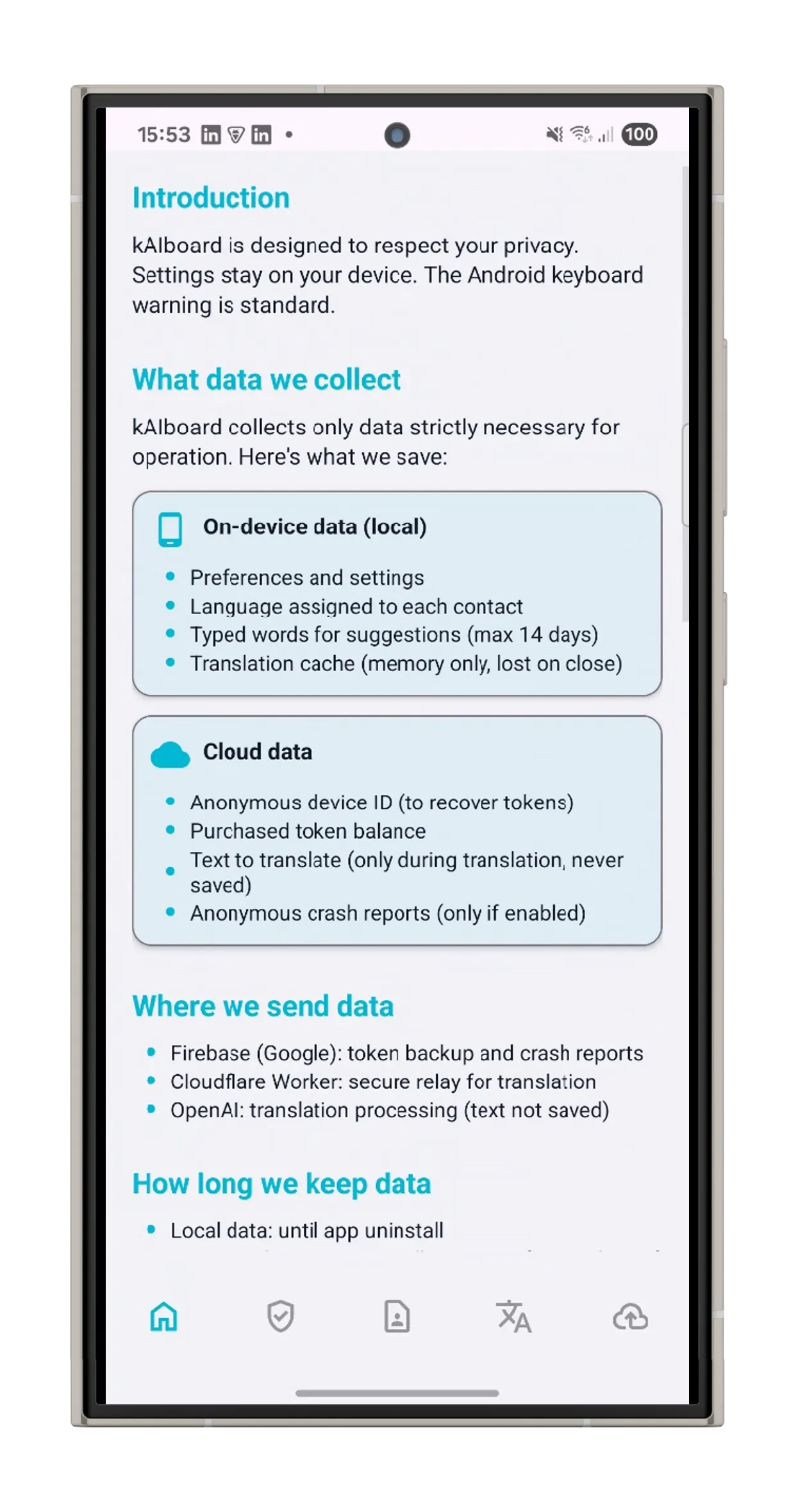
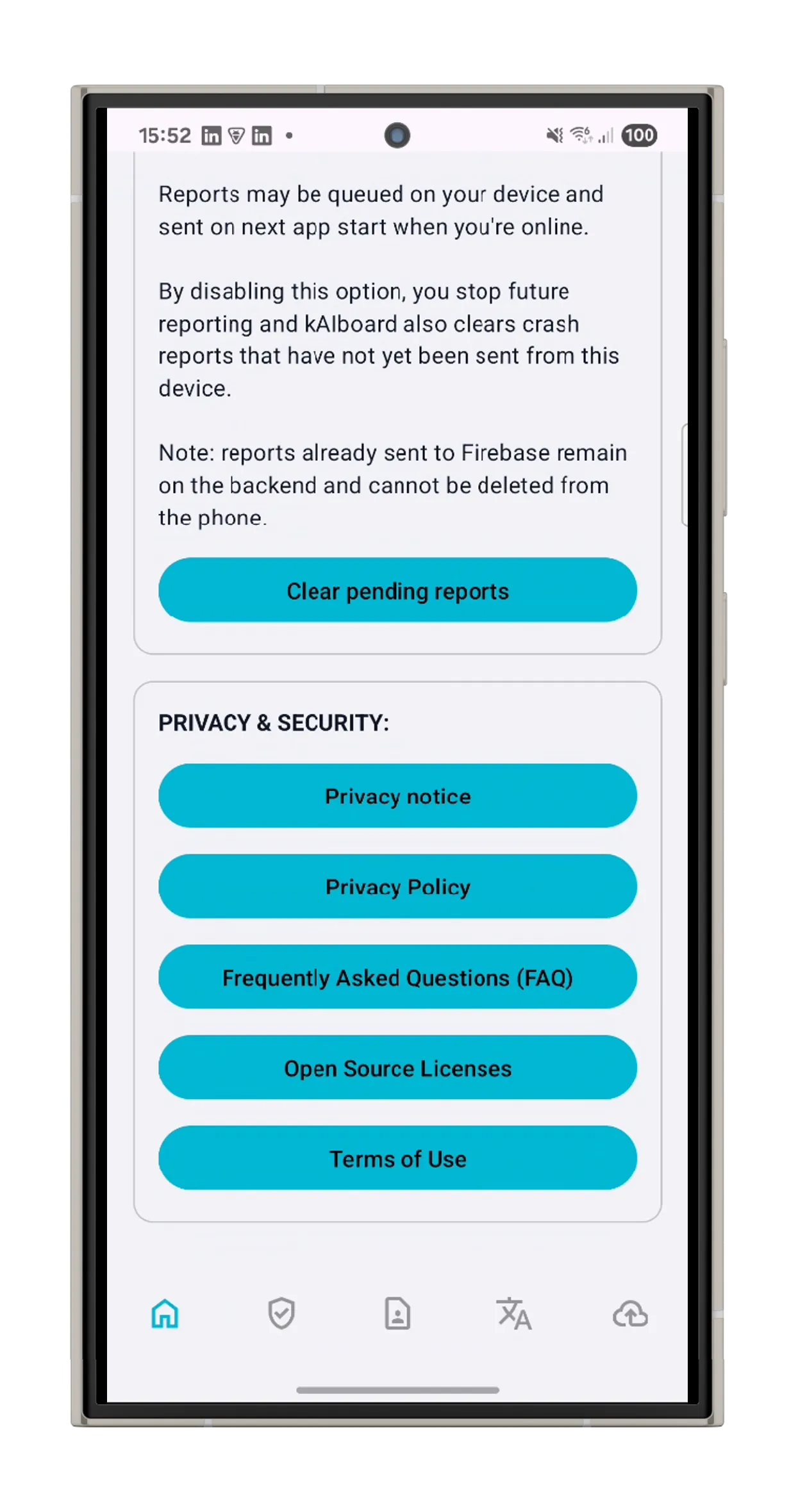
Privacy First
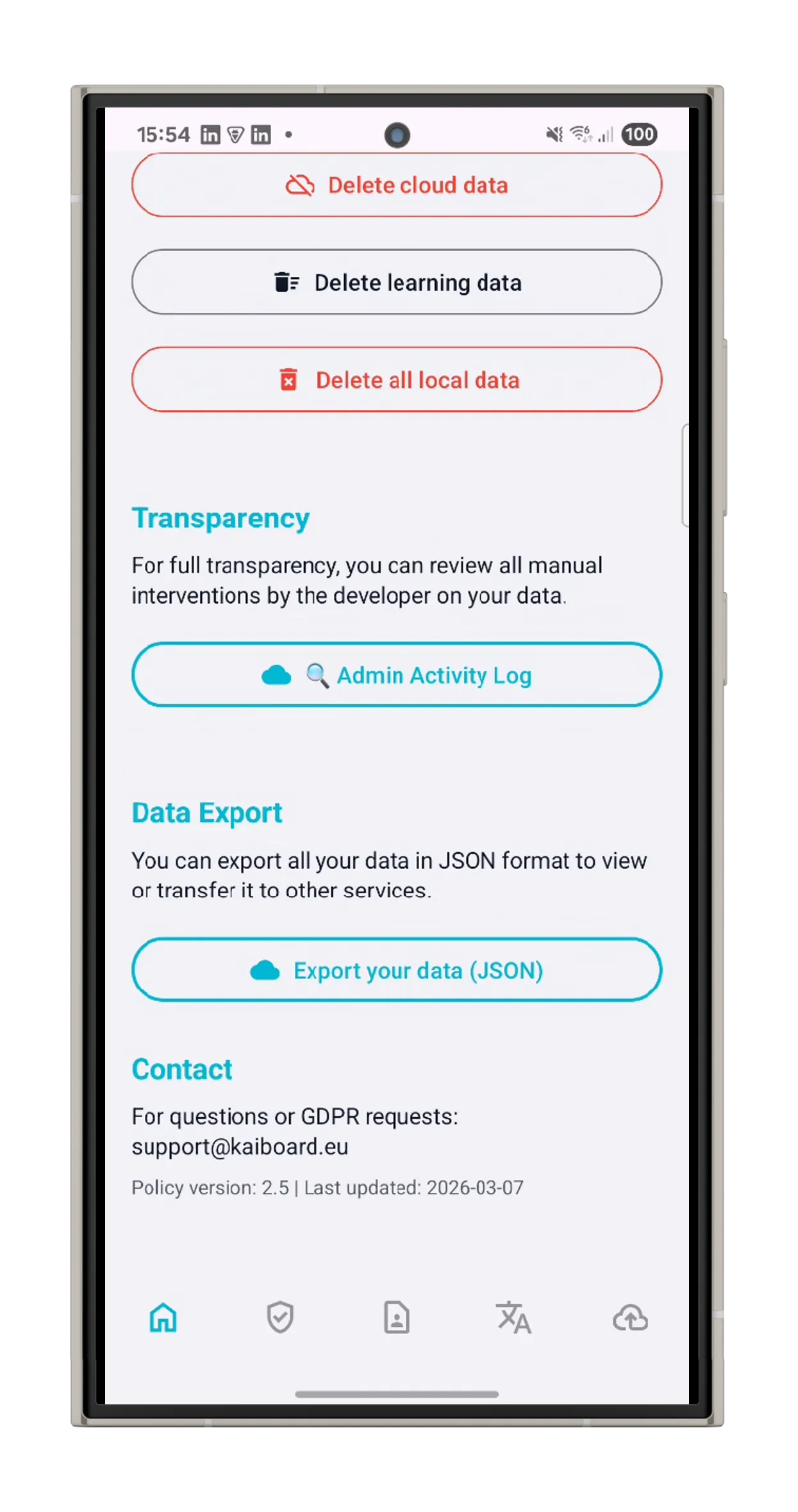
GDPR-compliant by design. No data sold, no tracking. Full data export and deletion available. Your messages stay yours.
14 Languages, One Keyboard
Switch layouts automatically based on your contact's phone prefix. Italian, German, Greek, Turkish, Georgian and more - all built in.
AI-Powered Translation
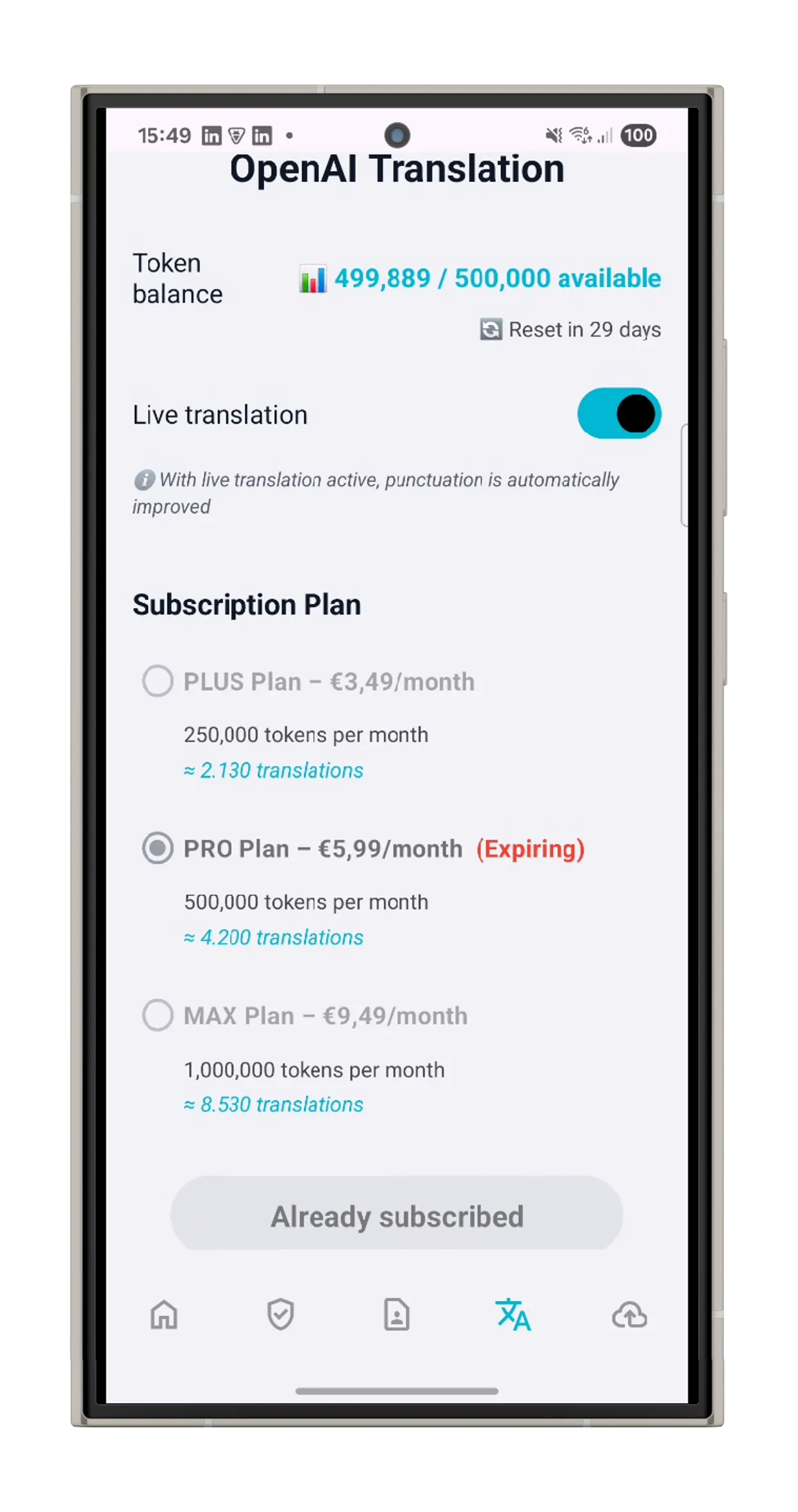
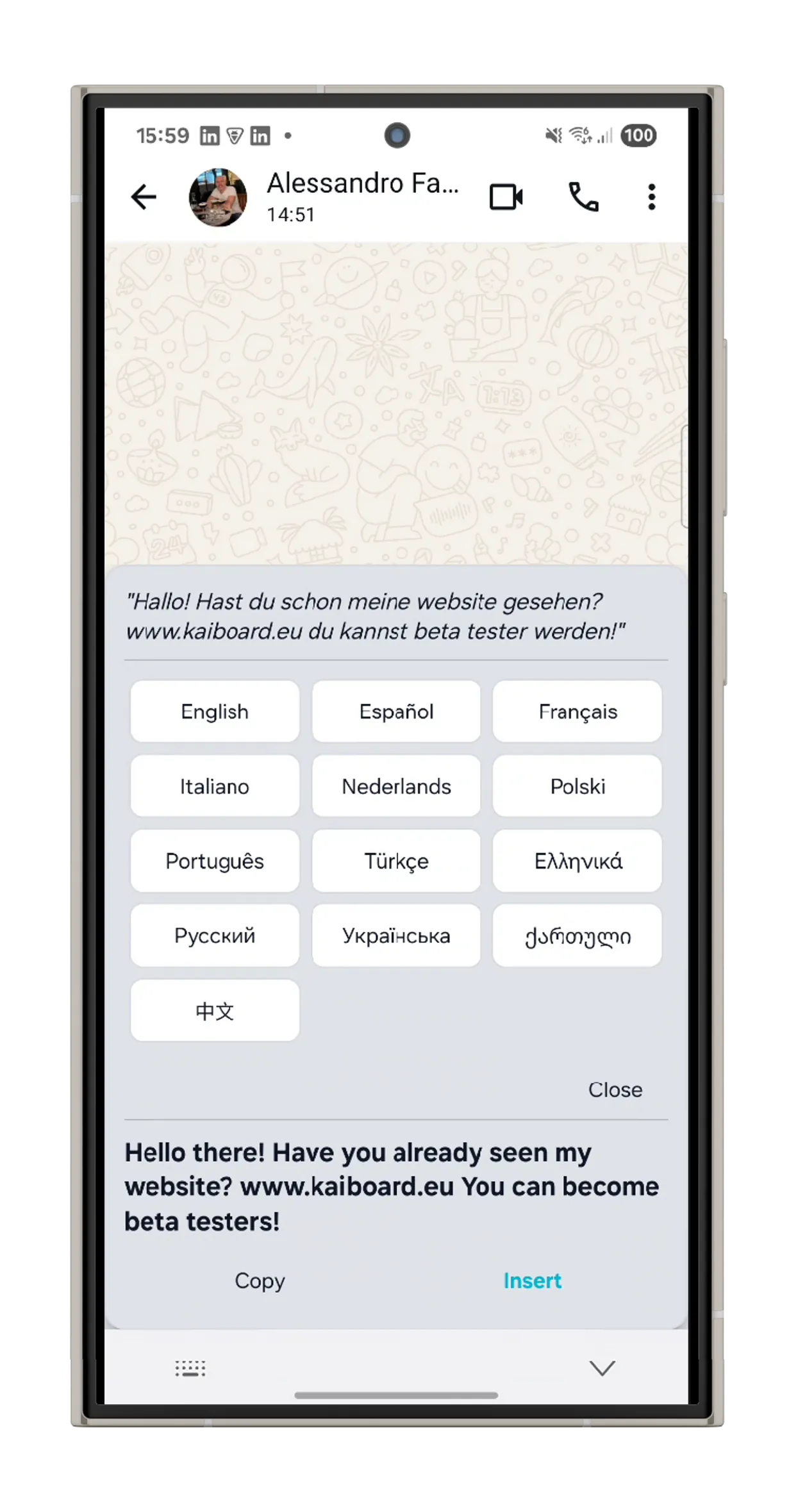
Translate messages instantly with AI. Write in your language, send in theirs. Two-level control: per-contact and master toggle.
Smart Autocorrect
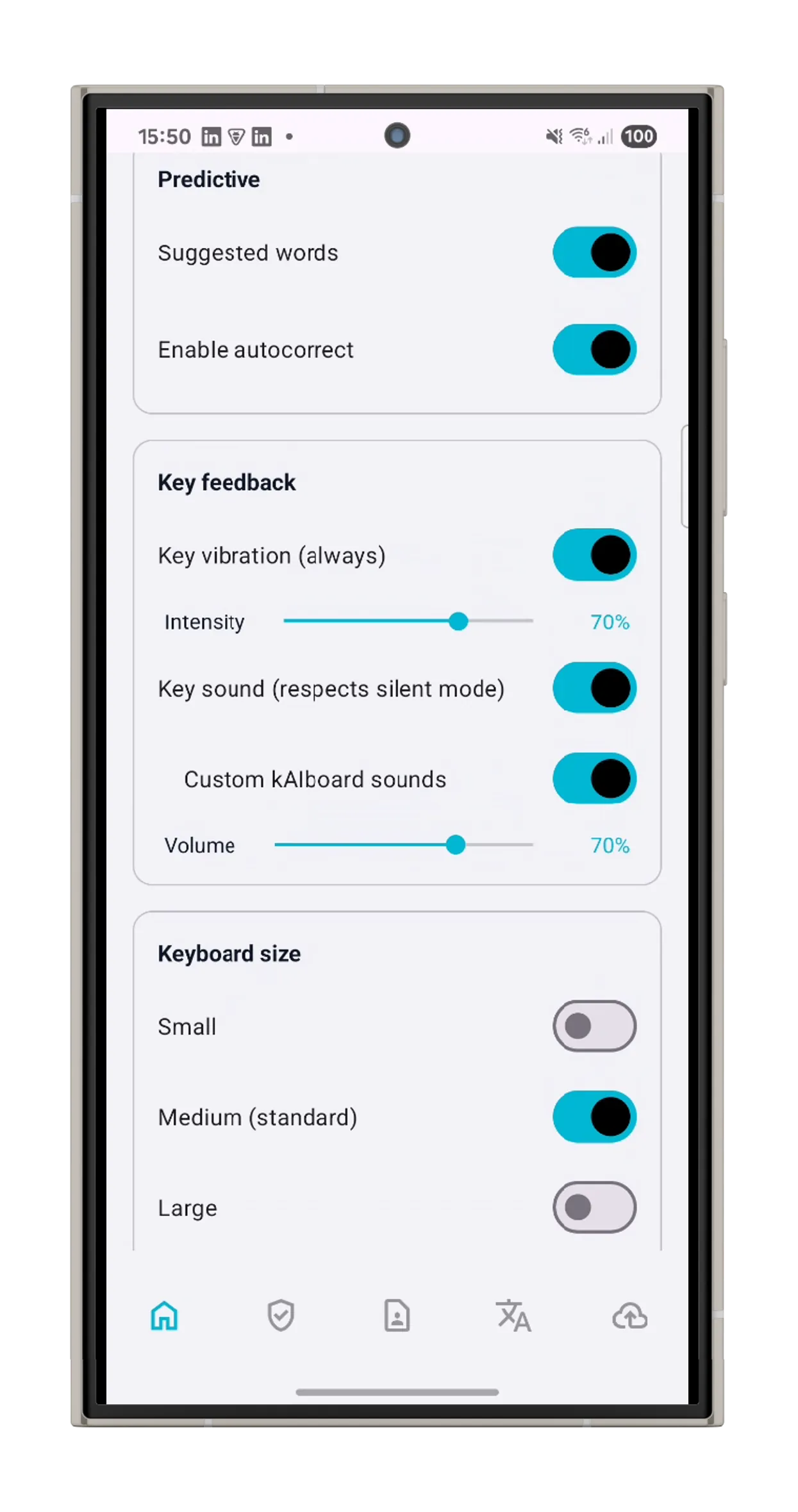
Intelligent autocorrect engine with word prediction. Learns your habits and works across all 14 supported languages.
Predictive Text Engine
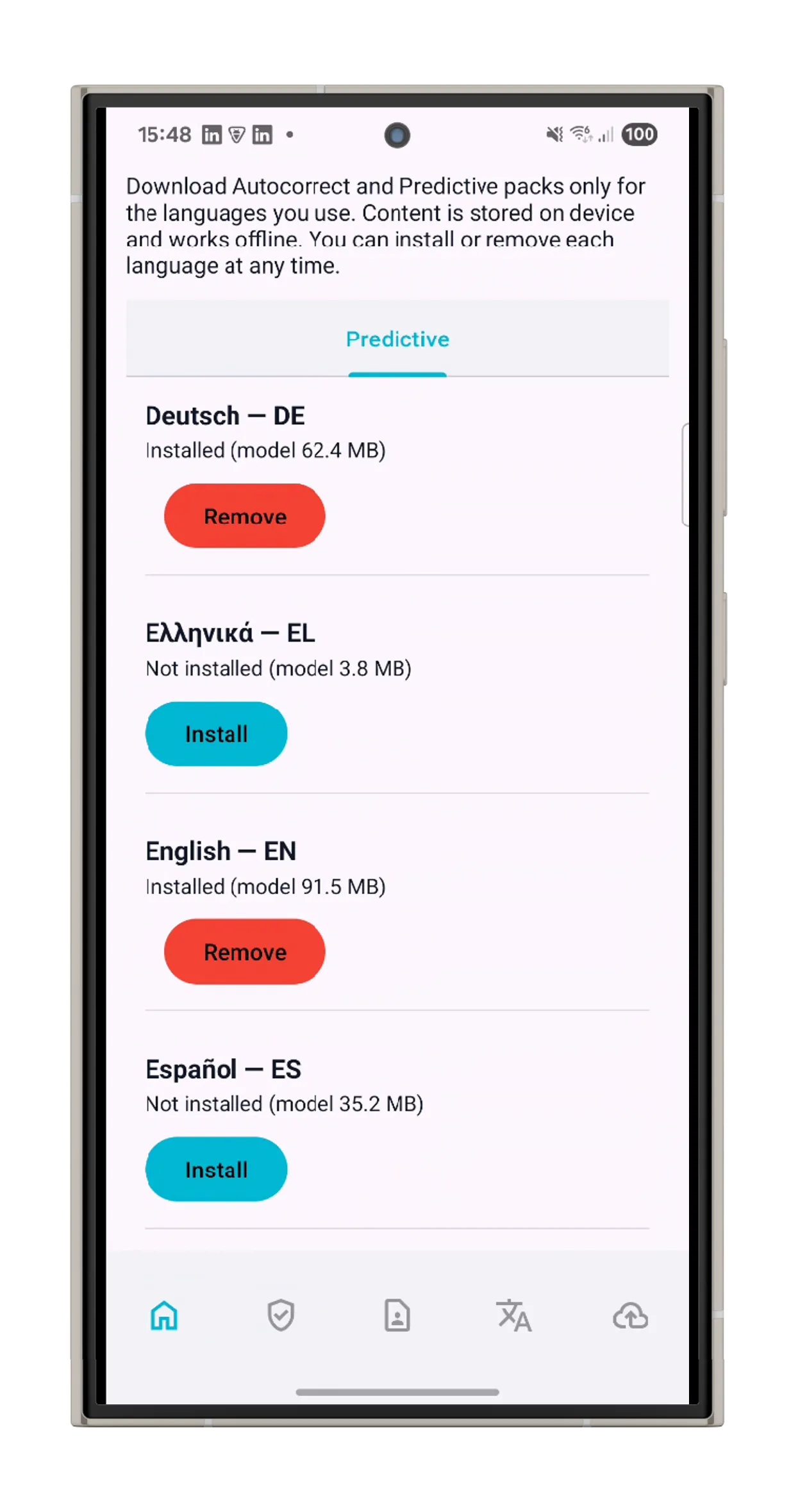
Smart prediction with user learning model. Personal vocabulary, fast predictions. Works fully offline after setup.
Translate Without Internet
Translate directly on your device for free with Google ML Kit. Download language packs (~30 MB each), long-press a suggestion, and get instant translations — no subscription, no connection, no data sent anywhere.
Smart Shortcuts
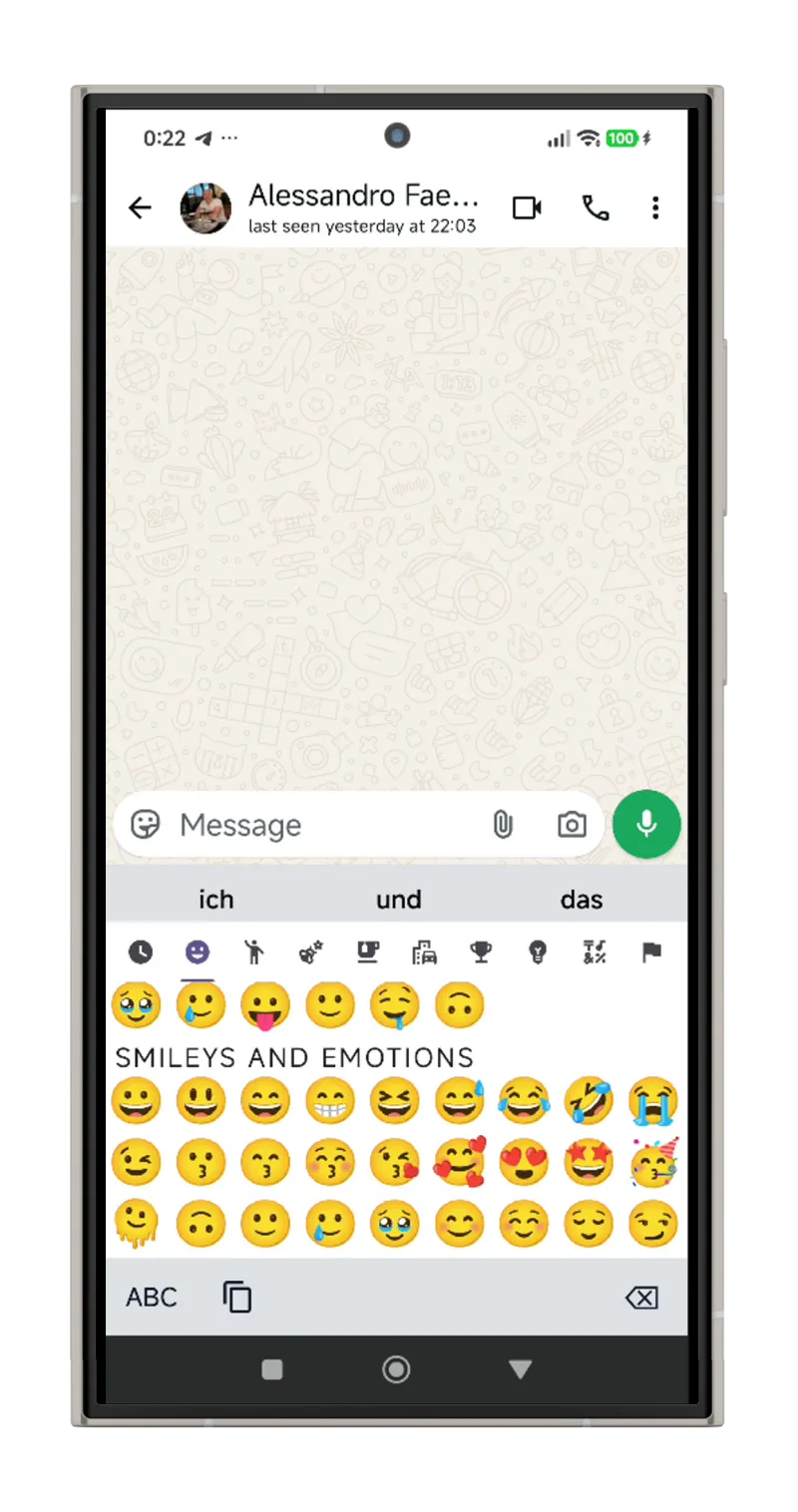
Double-tap the space bar for ". " (period + space + auto-capitalise). The comma key is located to the left of the space bar for quick access — hold it down to open the emoji picker.
Sound & Vibration Control
Three levels of haptic feedback — light for letters, medium for space, firm for Enter. Choose between system sounds or kAIboard's alternative sound theme with dedicated volume and vibration intensity sliders.
Up and running in 3 steps
No complex setup. Install, grant permissions, and open any chat. kAIboard does the rest.
Install & Enable Permissions
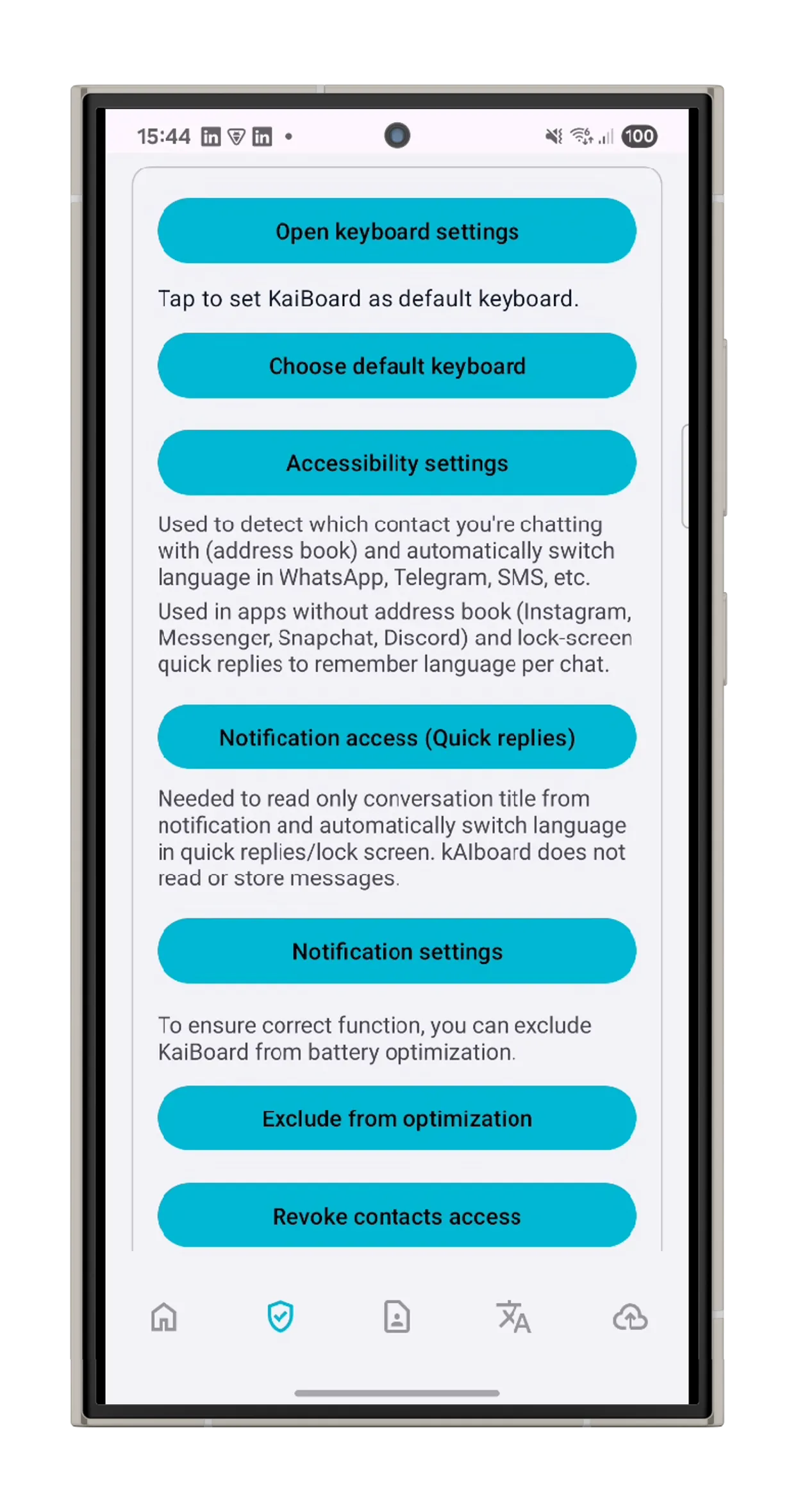
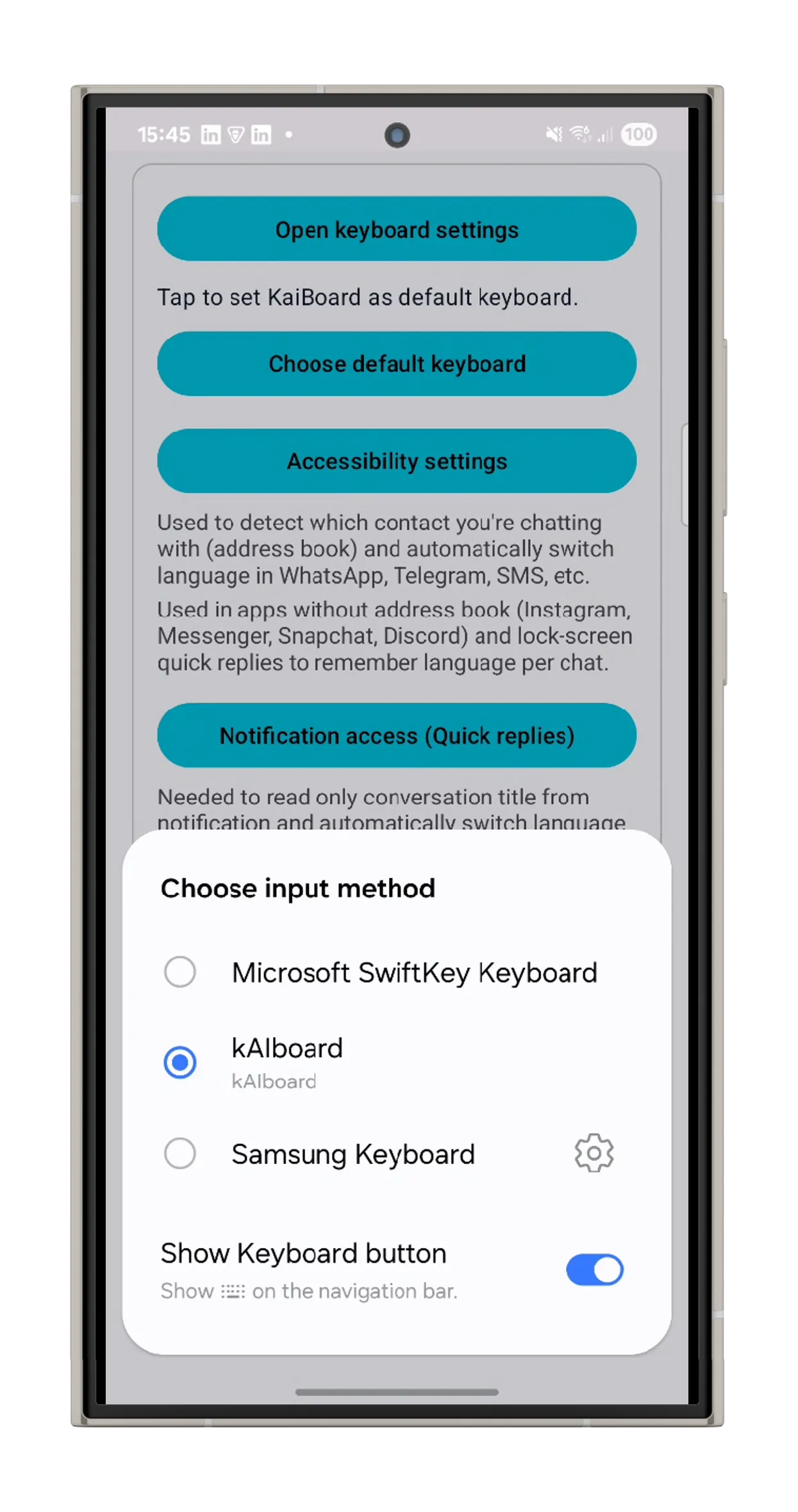
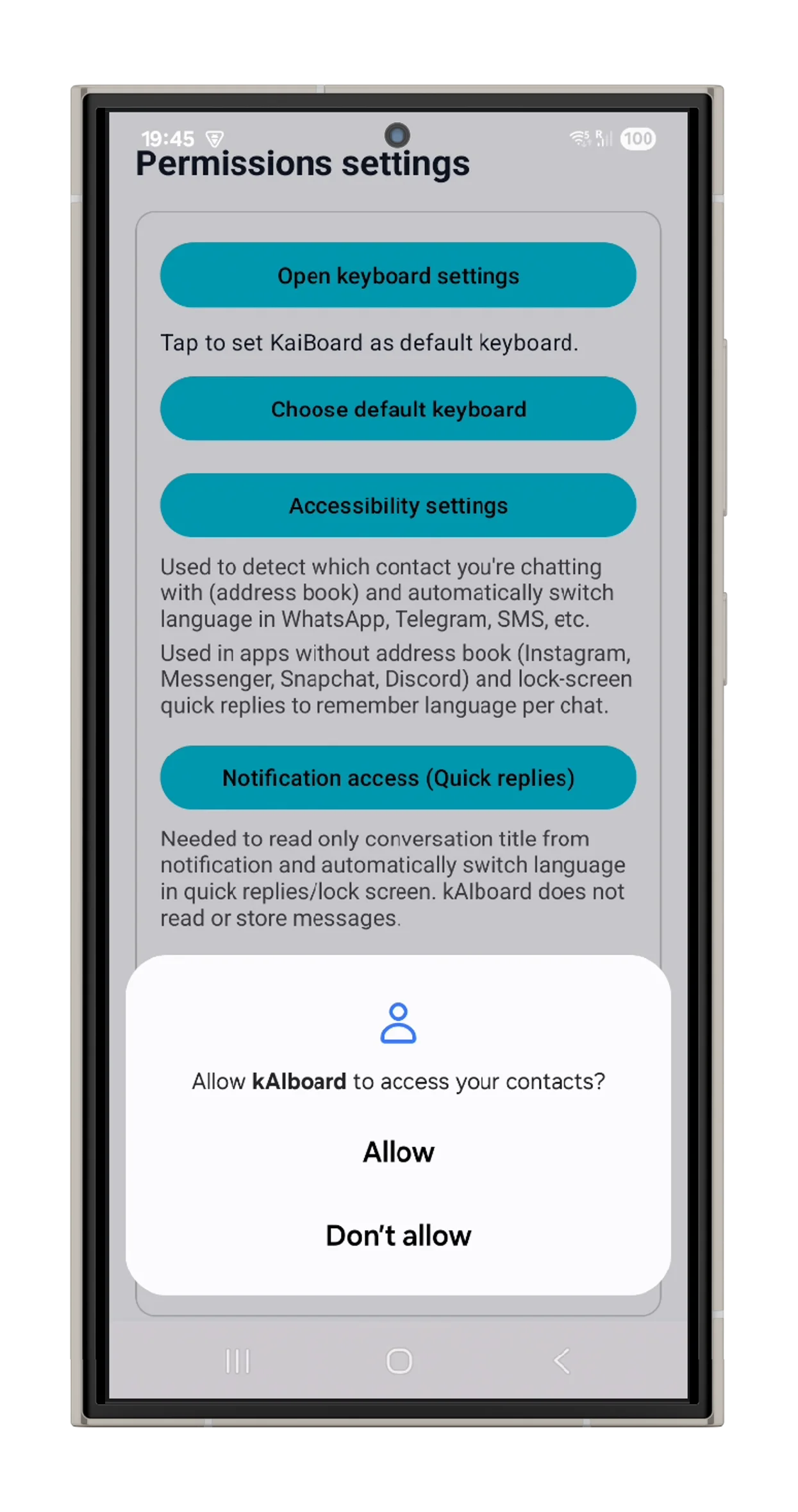
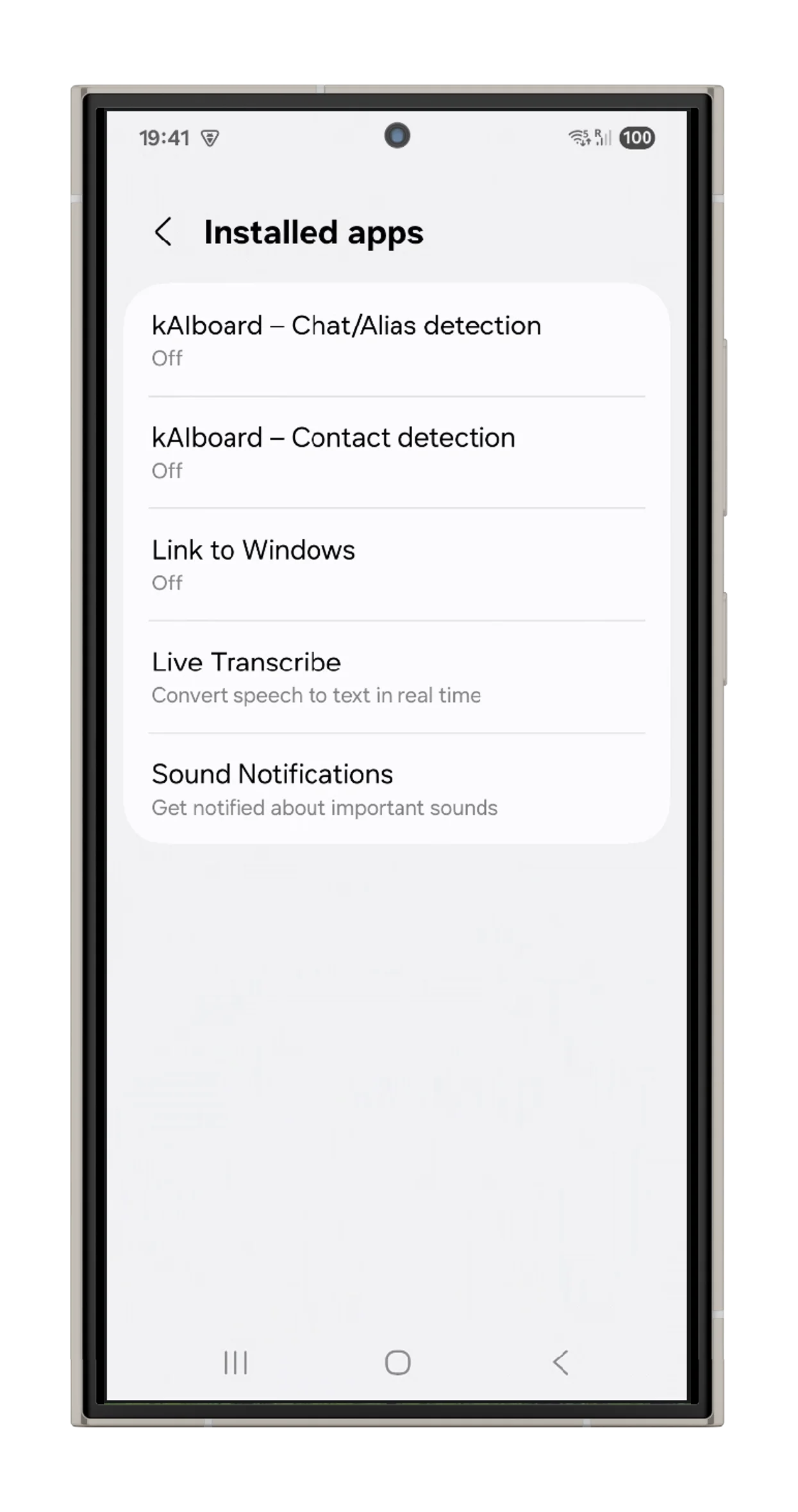
Download kAIboard from Google Play, set it as your default keyboard, and grant the required permissions. Setup takes about 2 minutes.
Download Language Packs
Autocorrect for all 14 languages is already built in. For prediction, download a model for each language you use.
Type & Translate
Open any chat. kAIboard detects the contact and switches language, layout and autocorrect automatically in 65ms. No more manual switching.
See kAIboard in action
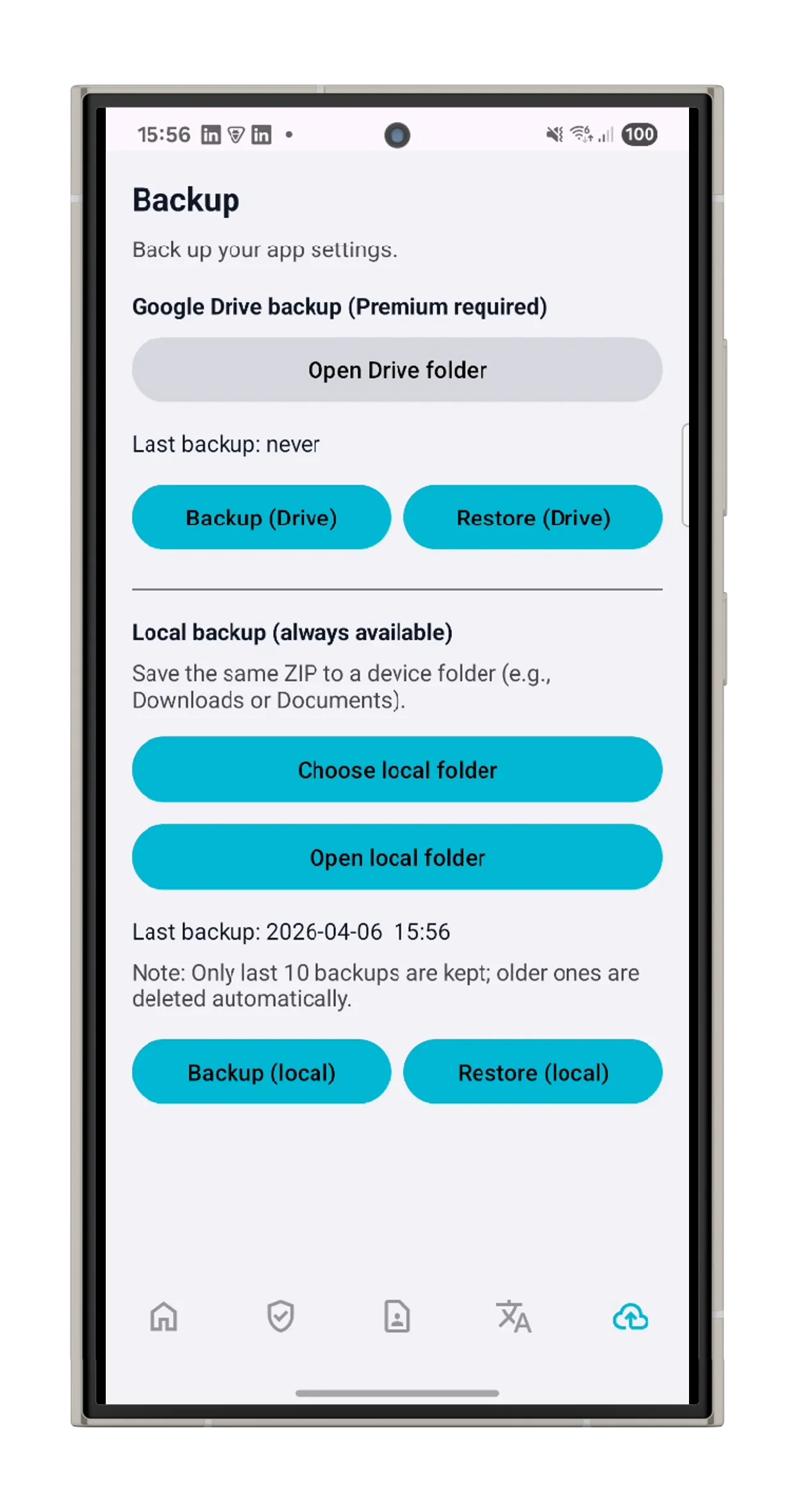
A clean, modern interface designed for speed and simplicity across every language.

Simple, transparent pricing
Start with the base app and upgrade when you need more. Cancel anytime.
- 14 language layouts
- Autocorrect & prediction
- Contact language detection
- Emoji picker
- Local backup
- GDPR-compliant
- Everything in Base
- AI Translation
- ~2,100 translations/month
- Per-contact translation toggle
- Google Drive backup
- Multi-device token sync
- Everything in Base
- AI Translation
- ~4,200 translations/month
- Per-contact translation toggle
- Google Drive backup
- Multi-device token sync
- Everything in Base
- AI Translation
- ~8,500 translations/month
- Per-contact translation toggle
- Google Drive backup
- Multi-device token sync
Frequently asked questions
Everything you need to know about kAIboard.
The keyboard that already knows your contact's language.
Download kAIboard on Google Play.
Available for Android devices.